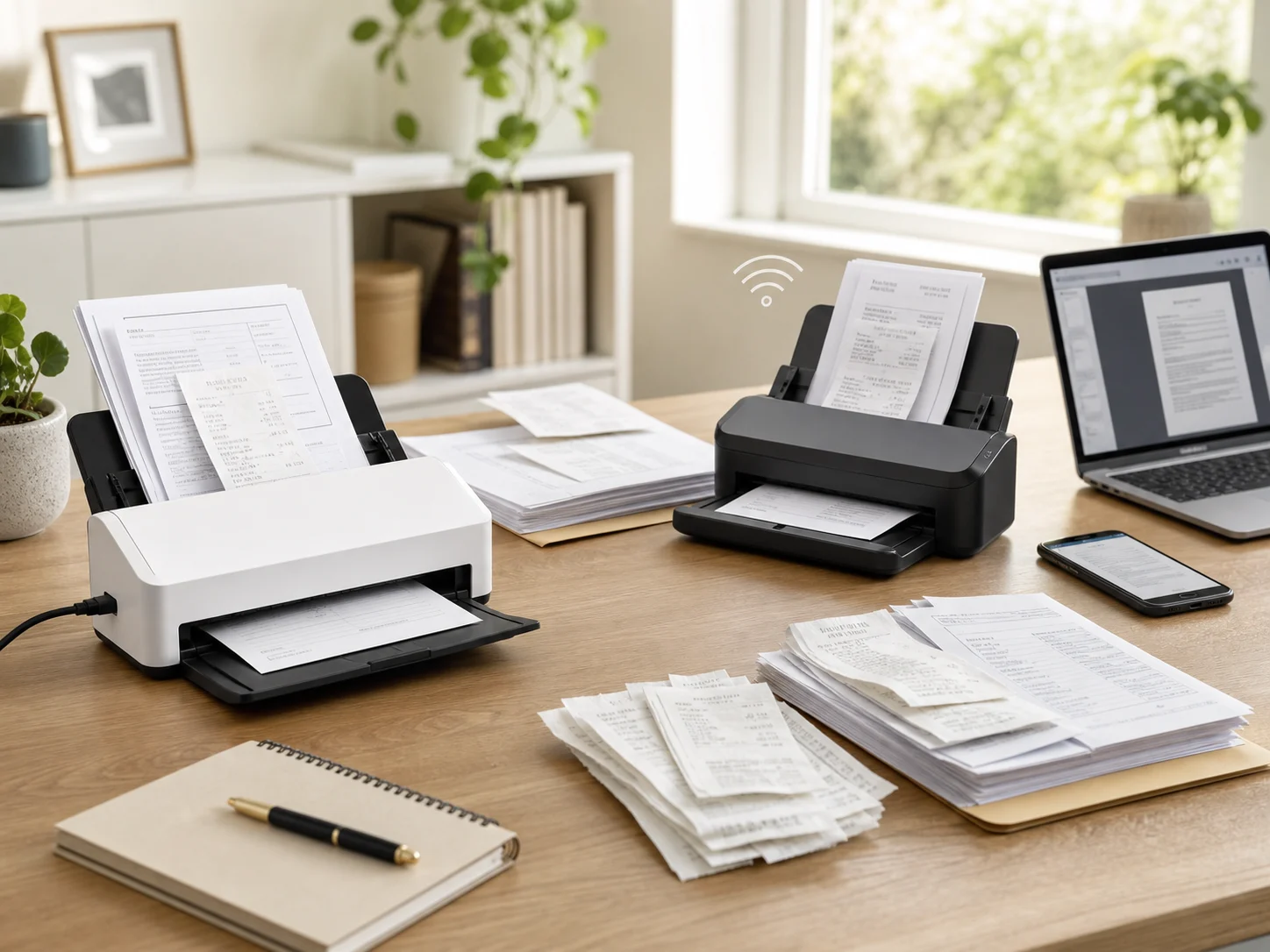
Head-to-head document scanner comparison

Epson ES-C320W vs ES-C220

Epson's compact WorkForce scanners share the same small-desk shape, 20-page ADF, one-pass duplex scanning, and 30 ppm / 60 ipm speed class. ES-C320W is the better default if you want Wi-Fi, mobile scanning, and flexible placement. ES-C220 is the cleaner buy if the scanner will stay plugged into one computer.

As an Amazon Associate, Worth Adding earns from qualifying purchases. We may earn a commission if you buy through our links.

Two compact desktop document scanners on a bright home office desk with stacked receipts, paperwork, a laptop, and a phone for the Epson WorkForce ES-C320W vs ES-C220 comparison
Last checked
Winner Epson ES-C320W
Best alternative Epson ES-C220
Verdict

Which one should most people buy?

Choose ES-C320W if you want a compact scanner that can sit wherever it fits and serve laptops, phones, tablets, and cloud workflows. Choose ES-C220 if USB to one computer is enough and you would rather avoid wireless setup.

ES-C320W is the better scanner for most home offices.

The ES-C320W is the more flexible purchase because Epson lists USB plus wireless scanning to computers, cloud destinations, smartphones, and tablets. That matters in small spaces: the scanner can live on a shelf, side desk, or shared work area instead of staying tethered beside one laptop.

ES-C220 still makes sense when simplicity is the point. It uses USB 2.0 Type-C, includes the USB cable, matches the same compact size and 20-sheet ADF class, and avoids Wi-Fi setup. If one Mac or Windows PC will own the scanning job, the cheaper USB-only workflow is easier to justify.

Products compared

The key specs

Best overall

Epson WorkForce ES-C320W

ES-C320W is the better fit when the scanner needs to serve more than one device, sit away from the main computer, or send scans from a phone or tablet workflow. The tradeoff is setup complexity: wireless convenience only helps if your network and apps cooperate.

Scan speed
Up to 30 ppm / 60 ipm at 300 dpi
Connection
USB 2.0 Type-C, Wi-Fi, and Wi-Fi Direct
ADF and size
20-sheet ADF; about 11.7 x 4.1 x 4.9 in
Best for
Shared desks, laptop users, mobile scans, cloud workflows, and small offices that do not want a scanner tied to one computer.
Best USB-only pick

Epson WorkForce ES-C220

ES-C220 is better when you want the same compact sheet-fed scanning idea with fewer setup variables. It gives up wireless and mobile placement flexibility, but it keeps the 20-sheet ADF, one-pass duplex scanning, Epson ScanSmart workflow, and USB Type-C connection.

Scan speed
Up to 30 ppm / 60 ipm at 300 dpi
Connection
USB 2.0 Type-C
ADF and size
20-sheet ADF; 11.7 x 4.1 x 4.9 in; 3.85 lb
Best for
One-computer scanning, receipts, records, tax paperwork, home-office archiving, and buyers who prefer a cable over app setup.
Buyer guide

Choose by connection, not speed.

These scanners are close enough that the decision should start with where the scanner will live and how scans will move: one USB computer, several devices, mobile capture, or cloud filing.

ES-C320W

Buy this if / skip this if

Buy this if
  • You want to scan from laptops, phones, tablets, or a shared desktop without moving a USB cable around.
  • The scanner will live on a shelf, credenza, side desk, or shared workspace where wireless placement matters.
  • You want Epson Smart Panel mobile scanning, Wi-Fi Direct, and a more flexible cloud/computer workflow.
Skip this if
  • You only scan from one computer and do not want to troubleshoot network discovery, app permissions, or Wi-Fi bands.
  • You expect wireless scans to be faster than USB; Epson's published speed class is the same.
  • You would rather put the budget toward a larger ADF or heavier-duty scanner instead of wireless convenience.
ES-C220

Buy this if / skip this if

Buy this if
  • Your scanner will stay next to one Mac or Windows PC and USB is the most reliable workflow.
  • You mainly need receipts, tax records, bills, statements, forms, and small stacks digitized without a larger office scanner.
  • You want the compact Epson design without paying for wireless features you will not use.
Skip this if
  • You want to scan from a phone or tablet without treating a computer as the hub.
  • Multiple people in the household or office will share the scanner from different devices.
  • The best scanner location is not close enough for a convenient USB cable run.
Wireless changes placement

The ES-C320W's biggest advantage is not raw speed. It is the freedom to place the scanner where paper enters the workflow, then send scans to a computer, mobile device, or cloud path without keeping it beside one laptop.

20 sheets is a small-stack limit

A 20-page ADF is right for receipts, bills, statements, school forms, and small record batches. If you routinely scan folders at a time, a larger desktop scanner with a bigger feeder will be less tedious.

Flexible path needs setup

Epson's flexible scan path is useful for varied originals, but passports, folded originals, and fragile or unusual sheets can require carrier sheets and settings changes. Do not treat either model like a careless pile feeder.

Before you buy

Check your desk, paper pile, and software path first.

  • Measure the scanner location with input and output handling in mind, not just the body footprint.
  • Decide whether scans must start from a phone or tablet. If yes, ES-C320W is the more natural fit.
  • For long paper, passports, folded originals, and delicate documents, read Epson's loading guidance before feeding valuable originals.
  • Download expectations matter: Epson notes that ScanSmart and mobile workflows can require app downloads, internet access, and supported devices.
Side by side

Compare the trade-offs.

ES-C320W adds wireless and mobile flexibility. ES-C220 keeps the same compact scanner class simpler with USB-only setup.

Key buying trade-offs for Epson WorkForce ES-C320W and ES-C220 compact document scanners, based on official Epson pages, Epson support documentation, and product-specific Amazon pages checked May 21, 2026.
Metric Epson WorkForce ES-C320W Epson WorkForce ES-C220
Best fit WinnerWireless, mobile, cloud, shared-desk, and flexible-placement scanning. USB scanning beside one computer with fewer setup variables.
Model checked Epson WorkForce ES-C320W, B11B270201 Epson WorkForce ES-C220, B11B272202
Connection WinnerUSB 2.0 Type-C, Wi-Fi, Wi-Fi Direct, Epson Smart Panel mobile workflow, and wireless scan paths. USB 2.0 Type-C.
Scan speed Up to 30 ppm / 60 ipm for letter-size scans at 300 dpi. Up to 30 ppm / 60 ipm for letter-size scans at 300 dpi.
ADF 20 sheets. 20 sheets.
Document handling Flexible scan path for standard paper, cards, and passport workflows with optional carrier sheet where required. Flexible scan path for standard paper, cards, and passport workflows with optional carrier sheet where required.
Size and weight About 11.7 x 4.1 x 4.9 inches; about 4 lb. 11.7 x 4.1 x 4.9 inches; 3.85 lb.
Software path WinnerEpson ScanSmart plus Epson Smart Panel mobile scanning and wireless computer/cloud paths. Epson ScanSmart from a connected computer.
Main drawback Wireless setup can add friction, and official scanner pages should be checked for current retailer availability. No Wi-Fi, no mobile-first placement, and less flexible for shared-device workflows.
How we compared

The criteria behind the pick.

We compared official Epson product pages, Epson support documentation, connection options, scan speed, ADF capacity, document handling, size, weight, software paths, and practical home-office fit. We omitted ratings, review counts, live prices, coupons, and availability because those details change often.

Specs checked

For ES-C320W, we used Epson's product page and the shared Epson user guide for wireless support, USB Type-C, Wi-Fi standards, Wi-Fi Direct behavior, scan speed, ADF capacity, document handling, dimensions, and included software. For ES-C220, we used Epson's product page and specification sheet for USB Type-C, 20-sheet ADF, scan speed, dimensions, weight, software, and included accessories.

Fit checked

We weighted the decision around common scanner friction: where the unit will sit, whether scans start from one computer or several devices, whether mobile scanning matters, how often small stacks are scanned, and whether wireless setup is worth the added flexibility.

Best fit

ES-C320W is better for most shoppers because it covers the USB use case while adding wireless and mobile workflows. ES-C220 remains the better value-minded fit for a fixed one-computer desk where cable simplicity matters more than placement freedom.

Source trail

What the recommendation is based on.

FAQ

Questions before checkout.

Which Epson compact document scanner is better for most people?

ES-C320W is the better default if you want the same compact scanning format plus Wi-Fi, Wi-Fi Direct, mobile scanning, and easier shared placement. ES-C220 is the simpler USB-only pick if one computer will always handle scans.

Do ES-C320W and ES-C220 scan at the same speed?

Epson lists both models at up to 30 ppm and 60 ipm for letter-size scans at 300 dpi, so the main buying split is connection and workflow rather than speed.

Which one is better for phones and tablets?

ES-C320W is the better fit for phones and tablets because Epson lists wireless scanning to mobile devices with the Epson Smart Panel app. ES-C220 is a USB Type-C scanner for a connected computer workflow.

Can either scanner handle receipts and passports?

Both are compact sheet-fed document scanners with a flexible scan path and optional carrier-sheet support for certain document types. Receipts, cards, folded originals, and passports require the right scan path, settings, and carrier sheet where Epson calls for one.

Should I step up just for wireless?

Step up if the scanner will live away from your computer, serve more than one device, or feed a mobile/cloud workflow. Stay with ES-C220 if the scanner will sit beside one computer and USB is easier to trust.

Best overall

Epson WorkForce ES-C320W

It is the better default because it keeps the compact 20-sheet duplex scanning format while adding wireless, mobile, and shared-placement flexibility that the USB-only ES-C220 cannot match.

Last checked: . Retailer availability, coupons, delivery estimates, and other listing details can change without notice.

Decision notes
Best overall pickES-C320W
Best USB-only pickES-C220
Data sourceOfficial Epson specs and Amazon product pages
Last checked
ES-C320W Best wireless compact pick
Amazon