Head-to-head portable monitor comparison

ASUS ZenScreen MB16ACV vs ViewSonic VG1655

These 15.6-inch portable monitors share the same core idea: a Full HD IPS second screen that slips into a laptop bag. ViewSonic VG1655 is the better default if you want dual USB-C, mini HDMI, pass-through power, speakers, and a wider stand range. ASUS ZenScreen MB16ACV is the cleaner pick if you value the slimmer ASUS body, tripod socket, and USB Type-A driver path.

As an Amazon Associate, Worth Adding earns from qualifying purchases. We may earn a commission if you buy through our links.

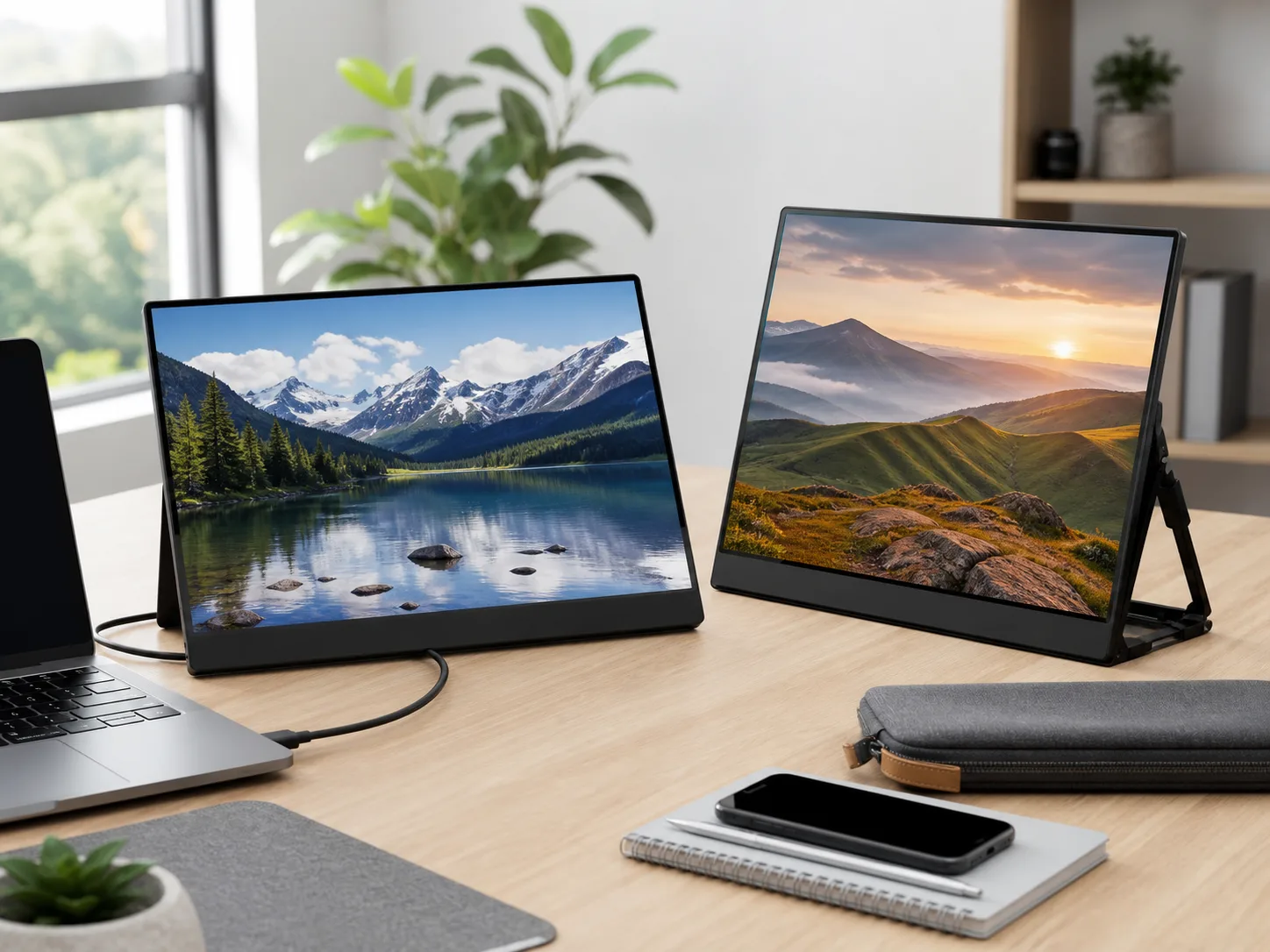
Two slim portable monitors on a bright desk with a laptop, USB-C cable, phone, notebook, and travel pouch for the ASUS ZenScreen MB16ACV vs ViewSonic VG1655 comparison
Last checked
Winner ViewSonic VG1655
Best alternative ASUS ZenScreen MB16ACV
Verdict

Which portable monitor should most people buy?

Choose ViewSonic VG1655 if you want the more forgiving travel desk: USB-C on either side of the power equation, mini HDMI for more devices, built-in speakers, and a wide built-in stand. Choose ASUS ZenScreen MB16ACV if your priority is a thin single-port ASUS screen with a tripod socket and DisplayLink driver support for USB Type-A hosts.

VG1655 is the safer buy for mixed-device portable work.

The panels look similar on paper: both are 15.6-inch Full HD IPS displays with 250 cd/m2 typical brightness, anti-glare surfaces, 800:1 contrast, and 60Hz refresh. The difference is everything around the panel. ViewSonic gives you two USB-C ports, 60W two-way power behavior, mini HDMI, dual 0.8W speakers, and a broader stand angle.

ASUS still has a real lane. ZenScreen MB16ACV is thinner, has a 1/4-inch tripod socket, and ASUS calls out hybrid USB-C support with a driver path for USB Type-A. That can matter for older work laptops. The tradeoff is that you give up HDMI, pass-through power, speakers, and the second USB-C port.

Products compared

The key specs

Best overall

ViewSonic VG1655

VG1655 is better when a portable monitor needs to handle more than one kind of setup. It can run from USB-C, support mini HDMI devices with separate power, pass power through a USB-C path, and stand in portrait or landscape without a separate mount.

Display
15.6-inch Full HD IPS, 1920 x 1080, 250 cd/m2
Connections
Two USB-C ports with 60W two-way power, mini HDMI, and 3.5mm audio out
Size and weight
14.0 x 8.8 x 0.6 in; 1.8 lb
Best for
Travel desks, remote work, laptop second screens, HDMI source devices, and buyers who want the monitor to solve more setup problems.
Best slim USB pick

ASUS ZenScreen MB16ACV

ZenScreen MB16ACV is better when you want a simple, slim portable screen for a compatible laptop and you like the ASUS-specific extras: fold-out kickstand, tripod socket, sleeve, low-blue-light and flicker-free certifications, and antibacterial treatment.

Display
15.6-inch Full HD IPS, 1920 x 1080, 250 cd/m2
Connections
One USB-C port with DP Alt Mode and USB 3.2; USB Type-A support uses driver path
Size and weight
14.09 x 8.86 x 0.39 in; 1.98 lb
Best for
USB-C laptop users, slim laptop bags, tripod-mounted desks, and older USB Type-A workflows where ASUS driver support is acceptable.
Buyer guide

Start with ports, not screen size.

Both monitors land in the same portable 1080p screen class. The right choice depends on whether your second screen must work with USB-C only, HDMI devices, low-power laptops, older USB-A ports, or a fixed stand setup.

ViewSonic VG1655

Buy this if / skip this if

Buy this if
  • You want one portable screen for USB-C laptops, mini HDMI sources, tablets, and occasional media use.
  • Pass-through power matters because you want an adapter or power bank to help feed the monitor-and-laptop setup.
  • You prefer a built-in stand with a wide 0-to-60-degree range and both portrait and landscape placement.
Skip this if
  • Your bag setup is strictly one USB-C laptop and you do not need HDMI, speakers, or power pass-through.
  • You want the thinnest body in this pair; ASUS lists a slimmer depth.
  • You planned to mount the monitor on a tripod or arm without adding a separate accessory.
ASUS ZenScreen MB16ACV

Buy this if / skip this if

Buy this if
  • You want a slim portable display for a compatible USB-C laptop and do not need HDMI fallback.
  • Your older laptop may need USB Type-A support and you are comfortable using the ASUS driver path.
  • You want the 1/4-inch tripod socket for a cleaner raised desk or temporary workstation setup.
Skip this if
  • You need mini HDMI for cameras, consoles, docked devices, or laptops without USB-C video output.
  • You want USB-C pass-through power, a second USB-C port, built-in speakers, or a headphone jack.
  • You are buying for a shared office where driver installs and USB-C capability vary by computer.
Dual USB-C changes power

VG1655 can sit between a power source and a laptop in more setups. That does not guarantee every laptop will charge perfectly, but it gives you more options than a single USB-C display input.

HDMI is the fallback path

Mini HDMI gives ViewSonic a practical escape route for devices that do not send video over USB-C. HDMI still needs separate power, so keep the adapter and cable plan in the bag.

USB-A needs expectations

ASUS has the more interesting older-laptop path because it advertises USB Type-A driver support. Treat that as a managed setup, not a universal plug-and-play guarantee.

Before you buy

Check your laptop port, power plan, and viewing setup.

  • Confirm your USB-C port supports DisplayPort Alt Mode if you expect one-cable video.
  • If your source uses HDMI, budget space for the mini HDMI cable plus a USB-C power source.
  • Think about stand height. A built-in portable stand is convenient, but neither monitor raises the panel to eye level by itself.
  • For locked-down work laptops, check whether DisplayLink or vendor utilities can be installed before choosing the USB-A-friendly ASUS path.
Side by side

Compare the trade-offs.

The displays are close. ViewSonic wins on connectivity and power flexibility; ASUS wins on a slimmer single-port design and tripod-ready mounting.

Key buying trade-offs for ASUS ZenScreen MB16ACV and ViewSonic VG1655 portable monitors, based on official ASUS and ViewSonic pages, ViewSonic documentation, and product-specific Amazon pages checked May 22, 2026.
Metric ViewSonic VG1655 ASUS ZenScreen MB16ACV
Best fit WinnerMixed-device travel desks, USB-C power flexibility, HDMI fallback, and built-in stand range. Slim USB-C laptop second screen with tripod socket and USB Type-A driver path.
Panel 15.6-inch viewable IPS, Full HD 1920 x 1080, anti-glare. 15.6-inch IPS, Full HD 1920 x 1080, anti-glare.
Brightness and contrast 250 cd/m2 typical brightness; 800:1 static contrast. 250 cd/m2 typical brightness; 800:1 typical contrast.
Connectivity WinnerTwo USB-C ports with 60W two-way power, mini HDMI, and headphone jack. One USB-C port with DP Alt Mode and USB 3.2; USB Type-A support via driver path.
Audio WinnerDual 0.8W integrated speakers. No built-in speaker listed.
Stand and mounting Built-in stand with 0-to-60-degree tilt and portrait or landscape orientation. WinnerFold-out kickstand plus 1/4-inch tripod socket.
Size and weight 14.0 x 8.8 x 0.6 inches; 1.8 lb. 14.09 x 8.86 x 0.39 inches; 1.98 lb.
Included setup items WinnerUSB-C to USB-C cable, USB-C to USB-A cable, mini HDMI cable, power adapter, quick start guide. ZenScreen sleeve, USB-C cable, warranty card, quick start guide; accessories vary by region.
Main drawback Slightly thicker body, and HDMI setups still need separate power. No HDMI, no second USB-C port, no pass-through power claim, and USB-A use depends on driver support.
How we compared

The criteria behind the pick.

We compared official ASUS and ViewSonic specs, product documentation, connection options, power behavior, panel class, size, weight, stand design, bundled setup items, and practical travel-desk fit. We omitted ratings, review counts, live prices, coupons, and availability because those details change often.

Specs checked

For VG1655, we used ViewSonic's product page and documentation for display specs, dual USB-C, mini HDMI, speaker output, power behavior, dimensions, weight, stand range, package contents, and warranty. For MB16ACV, we used ASUS specs and overview copy for panel specs, USB-C behavior, USB Type-A driver path, dimensions, weight, kickstand, tripod socket, sleeve, and eye-care certifications.

Fit checked

We weighted the decision around the problems portable monitors create in real use: whether the source device can send USB-C video, whether separate power is needed, whether HDMI fallback matters, how the display stands on a desk, and whether drivers are acceptable on a work laptop.

Best fit

VG1655 is better for most shoppers because its connection set solves more travel and home-office scenarios. MB16ACV remains a good pick for buyers who want the ASUS form factor, a tripod socket, and a managed USB-A driver workflow.

Source trail

What the recommendation is based on.

FAQ

Questions before checkout.

Which portable monitor is better for most people?

ViewSonic VG1655 is the better default because it keeps the same 15.6-inch Full HD class while adding dual USB-C ports with 60W two-way power, mini HDMI, built-in speakers, and a wider stand range.

Why would you buy the ASUS ZenScreen MB16ACV instead?

Buy the ASUS if you want the slimmer ASUS design, a fold-out kickstand, a tripod socket, antibacterial treatment, and a driver-supported USB Type-A path for an older laptop.

Do both monitors use a 15.6-inch 1080p IPS panel?

Yes. ASUS and ViewSonic list 15.6-inch Full HD IPS panels with 1920 x 1080 resolution, 250 cd/m2 typical brightness, 800:1 contrast, anti-glare surfaces, and 60Hz refresh rates.

Does the ViewSonic VG1655 work over HDMI?

ViewSonic lists one mini HDMI input and includes a mini HDMI cable. HDMI sends video only, so plan on USB-C or adapter power for the monitor.

What compatibility should I check before buying?

Check whether your laptop USB-C port supports DisplayPort Alt Mode and enough power for one-cable use. If it does not, the ViewSonic mini HDMI path or the ASUS DisplayLink driver path may be more important than the panel specs.

Best overall

ViewSonic VG1655

It is the better default because it handles more portable-monitor edge cases: dual USB-C, 60W two-way power behavior, mini HDMI, speakers, and a stand that covers more desk angles.

Last checked: . Retailer availability, coupons, delivery estimates, and other listing details can change without notice.

Decision notes
Best overall pickVG1655
Best slim USB pickMB16ACV
Data sourceOfficial ASUS and ViewSonic specs plus Amazon product pages
Last checked
VG1655 Best portable monitor pick
Amazon