Head-to-head Samsung portable SSD comparison

Samsung T7 Shield vs Samsung T9

Samsung T7 Shield and Samsung T9 are both compact portable SSDs for laptop backups, creator files, travel kits, and everyday project storage. T7 Shield is the better default for most buyers because its rugged story is clearer: IP65 dust and water resistance, controlled 3-meter drop testing, Samsung software support, and USB 3.2 Gen 2 speed that more devices can actually use. T9 is the better alternative for large-file workflows when your computer supports USB 3.2 Gen 2x2 and you want Samsung's faster 20Gbps-class drive with both USB-C and USB-A cables in the box.

As an Amazon Associate, Worth Adding earns from qualifying purchases. We may earn a commission if you buy through our links.

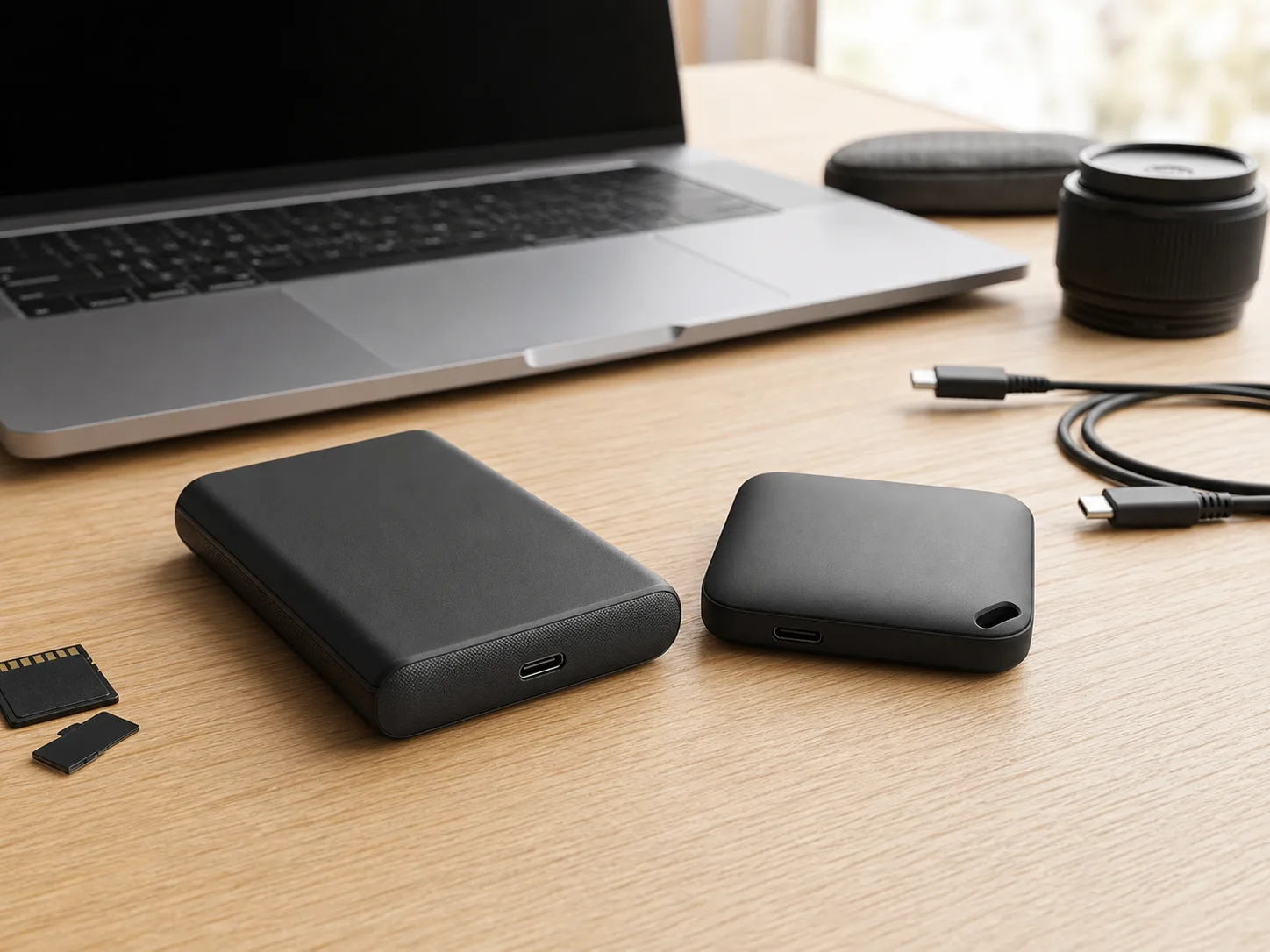
Two compact black portable SSD drives on a bright desk with a laptop, USB-C cable, memory cards, and camera gear for the Samsung T7 Shield vs Samsung T9 comparison
Last checked
Winner Samsung T7 Shield
Best alternative Samsung T9
Verdict

Which one should most people buy?

T7 Shield is the safer default because rugged protection and common USB-C compatibility matter more often than peak Gen 2x2 speed.

Buy T7 Shield unless you know your setup can use T9's speed.

The T7 Shield wins for most buyers because Samsung's official materials pair fast enough USB 3.2 Gen 2 performance with clearer travel durability. Samsung lists up to 1,050MB/s transfer speed, IP65 resistance, 57 x 86 x 12.5 mm dimensions, up to 98 g weight, Windows/Mac/Android support, and Samsung Portable SSD plus Magician software.

T9 is the better performance alternative when your host supports USB 3.2 Gen 2x2. Samsung's T9 data sheet lists 88 x 60 x 14 mm dimensions, 122 g weight, up to 2,000MB/s read speed, up to 1,950MB/s write speed on the 2TB model, AES 256-bit hardware encryption, both USB-C to C and USB-C to A cables, and a five-year limited warranty.

At a glance

The key specs.

Best rugged default

Samsung T7 Shield Portable SSD

A compact USB 3.2 Gen 2 portable SSD for travel, everyday backups, field files, and shoppers who value a published IP rating more than top-end benchmark speed.

Model family
MU-PE1T0, MU-PE2T0, MU-PE4T0
Interface
USB 3.2 Gen 2, backwards compatible
Speed
Up to 1,050MB/s listed transfer speed; product page lists 1,050MB/s read and 1,000MB/s write
Durability
IP65 dust and water resistance; controlled drop tests up to 3 m / 9.8 ft
Size and weight
57 x 86 x 12.5 mm; up to 98 g
Best for
Travel backups, field photo work, mixed laptop bags, Android/PC/Mac use, and shoppers who want Samsung software without needing Gen 2x2 ports.
Best Samsung speed pick

Samsung Portable SSD T9

A faster USB 3.2 Gen 2x2 Samsung portable SSD for large-file creators, local project drives, and buyers who know their computer can use the 20Gbps-class interface.

Model family
MU-PG1T0, MU-PG2T0, MU-PG4T0
Interface
USB 3.2 Gen 2x2, 20Gbps
Speed
Up to 2,000MB/s read; up to 1,950MB/s write on 1TB/2TB and up to 2,000MB/s write on 4TB
Durability
Controlled drop resistance up to 3 m; no IP rating published in the data sheet
Size and weight
88 x 60 x 14 mm; 122 g
Best for
Large photo and video folders, fast scratch storage, Samsung software users, and setups with confirmed USB 3.2 Gen 2x2 support.
Buyer guide

Start with ports, not peak speed.

Both drives are small, fast, and Samsung-software-friendly. The practical question is whether your real devices benefit more from T7 Shield's IP-rated ruggedness or T9's Gen 2x2 speed ceiling.

Samsung T7 Shield

Buy this if / skip this if

Buy this if
  • You carry the SSD in a camera bag, backpack, or travel pouch and want Samsung's published IP65 dust and water resistance.
  • Your laptop, tablet, dock, or camera workflow uses common USB 3.2 Gen 2 speeds rather than USB 3.2 Gen 2x2.
  • You want a smaller, lighter Samsung drive for backups, document libraries, photos, and everyday project transfers.
Skip this if
  • You regularly move very large video or project folders and have a confirmed Gen 2x2 host for T9's higher ceiling.
  • You want Samsung's listed dual-cable box contents for both USB-C and older USB-A machines.
  • You prefer the longer five-year limited warranty listed for T9 over the T7 Shield warranty path.
Samsung T9

Buy this if / skip this if

Buy this if
  • Your main computer supports USB 3.2 Gen 2x2 and you want the faster Samsung portable SSD for large files.
  • You want both USB Type-C to C and USB Type-C to A cables included, as listed in Samsung's T9 data sheet.
  • You use Samsung Portable SSD software, Samsung Magician, password protection, and hardware encryption across your storage setup.
Skip this if
  • Your USB-C ports are Gen 2, Thunderbolt paths that do not expose Gen 2x2, or docks with lower transfer ceilings.
  • You want a published dust/water resistance rating for outdoor shoots, commuting, or messy travel bags.
  • You prefer the lighter 98 g maximum weight and narrower everyday carry shape of T7 Shield.
USB speed ceiling

T9's top speed depends on a USB 3.2 Gen 2x2 host and the right cable path. On many everyday USB-C ports, T7 Shield's lower listed ceiling may be less of a real-world disadvantage.

Ruggedness claims

T7 Shield has the clearer travel spec because Samsung publishes IP65 resistance and controlled drop-test details. T9 publishes drop resistance, but not the same dust/water rating.

Cable setup

T9 has the easier mixed-port box because Samsung lists both USB-C to C and USB-C to A cables. T7 Shield still works broadly, but check the exact cable and adapter path for older computers.

Before you buy

Check these portable-SSD fit points first.

  • Confirm the USB generation on your actual host. A USB-C connector alone does not mean T9 can reach Gen 2x2 speeds.
  • Keep a separate backup. Samsung's own manuals warn that password loss or reset paths can make stored data unrecoverable.
  • Do not treat IP65 as waterproof storage. Samsung's T7 Shield notes are based on controlled test conditions and exclude liquid or dust damage from warranty coverage.
  • Match the drive to file size. Office files and photo backups rarely need T9's ceiling; high-bitrate video edits and large project folders can benefit more.
Side by side

Compare the trade-offs.

The table focuses on official Samsung specs that change ownership: interface, speed ceiling, ruggedness, dimensions, weight, software, box contents, warranty, and port requirements.

Samsung T7 Shield vs Samsung T9 official spec comparison, based on Samsung product pages and documents checked June 10, 2026.
Metric Samsung T7 Shield Samsung T9
Best fit WinnerTravel backups, field files, rugged everyday carry, and common USB 3.2 Gen 2 devices. Large-file creators, fast local project storage, Samsung software users, and confirmed Gen 2x2 host setups.
Model family MU-PE1T0, MU-PE2T0, MU-PE4T0 MU-PG1T0, MU-PG2T0, MU-PG4T0
Interface USB 3.2 Gen 2, 10Gbps, backwards compatible Speed classUSB 3.2 Gen 2x2, 20Gbps
Listed speed Up to 1,050MB/s transfer speed; Samsung product page lists 1,050MB/s read and 1,000MB/s write. Up to 2,000MB/s read; up to 1,950MB/s write on 1TB/2TB and 2,000MB/s write on 4TB in Samsung data sheet.
Ruggedness WinnerIP65 dust and water resistance; controlled drop tests up to 3 m / 9.8 ft. Controlled drop resistance up to 3 m; no IP rating listed in the T9 data sheet.
Size and weight Winner57 x 86 x 12.5 mm; up to 98 g. 88 x 60 x 14 mm; 122 g.
Software and security Samsung Portable SSD Software and Samsung Magician support; password/security mode in Samsung manual materials. Samsung Portable SSD Software, Samsung Magician, and AES 256-bit hardware encryption in Samsung data sheet.
Box contents Portable SSD and included USB cable path; confirm retailer bundle for adapters. WinnerSamsung data sheet lists USB Type-C to A cable, USB Type-C to C cable, quick user manual, and warranty statement.
Warranty Samsung warranty path for T7 Shield; check the current retailer and Samsung warranty statement for the exact region and capacity. WinnerFive-year limited warranty listed in Samsung's T9 data sheet.
Main drawback Lower peak speed if your workflow and host can actually exploit T9's USB 3.2 Gen 2x2 interface. Less compelling if your ports cannot use Gen 2x2 speed or you need a published dust/water resistance rating.
Buyer fit summary T7 Shield is the better practical pick for most portable-SSD shoppers. T9 is the better Samsung pick for fast creator workflows with confirmed host support.
How we compared

The criteria behind the pick.

We compared Samsung-published product pages, the T7 Shield user manual, the T9 data sheet, and product-specific Amazon listings. Prices, ratings, review counts, and availability were intentionally left out because they can change and are not needed to explain the buying split.

Specs checked

Official Samsung sources supplied the interface, listed transfer speeds, model families, dimensions, weight, IP and drop-resistance notes, software, cable contents, and warranty language used here.

Fit checked

The recommendation weights common ownership friction: whether a buyer has Gen 2x2 ports, whether the drive travels, whether dust or water exposure is plausible, and whether included cables simplify older-device use.

Best fit

Pick T7 Shield for rugged everyday carry and broad compatibility. Pick T9 for high-volume file transfers when your computer and cable path can use its faster interface.

Source trail

What the recommendation is based on.

FAQ

Questions before checkout.

Which Samsung portable SSD is better for most people?

Samsung T7 Shield is the better default for most shoppers because it has IP65 dust and water resistance, up to 3-meter drop resistance, hardware encryption, Samsung software support, and fast USB 3.2 Gen 2 speeds that work with more everyday USB-C devices.

Why would someone choose Samsung T9 instead?

Choose Samsung T9 if your computer supports USB 3.2 Gen 2x2 and you regularly move very large photo, video, or project folders. Samsung lists up to 2,000MB/s read and write speed, Dynamic Thermal Guard, both USB-C and USB-A cables, and a five-year limited warranty.

Does T9 replace T7 Shield for travel?

Not automatically. T9 is faster on compatible hosts, but Samsung does not publish an IP rating for T9. T7 Shield has the clearer travel-rugged spec because Samsung lists IP65 resistance and controlled 3-meter drop testing.

Will T9 run at full speed on any USB-C port?

No. T9 needs a USB 3.2 Gen 2x2 host and suitable cable path for its highest listed speed. Many laptops and docks have USB-C ports that top out below that, so T7 Shield may feel closer in real use on common ports.

Do both drives support Samsung software and encryption?

Yes. Samsung materials list hardware encryption and Samsung software support for both lines. Password protection can lock access to files, so store the password securely and keep separate backups.

Best overall

Samsung T7 Shield

T7 Shield is the better Samsung portable SSD for most buyers because it combines fast USB 3.2 Gen 2 transfers, IP65 dust and water resistance, controlled 3-meter drop testing, lower weight, Samsung software support, and fewer host-speed surprises.

Last checked: . Retailer availability, coupons, delivery estimates, and other listing details can change without notice.

Decision notes
Best rugged defaultSamsung T7 Shield
Best speed pickSamsung T9
Data sourceOfficial Samsung specs plus product-specific Amazon listings
Last checked
Samsung T7 Shield Better rugged SSD fit.
Amazon