Head-to-head USB streaming microphone comparison

Logitech Yeti vs HyperX QuadCast

HyperX QuadCast is the better desktop USB microphone for most streamers because it puts the useful hardware pieces in the box: anti-vibration shock mount, tap-to-mute sensor with LED status, internal pop filter, headphone jack, gain dial, mount adapter, and four pickup patterns. Logitech Yeti is the better alternative if you want Logitech G HUB, Blue VO!CE effects, a three-capsule design, and detailed studio controls.

As an Amazon Associate, Worth Adding earns from qualifying purchases. We may earn a commission if you buy through our links.

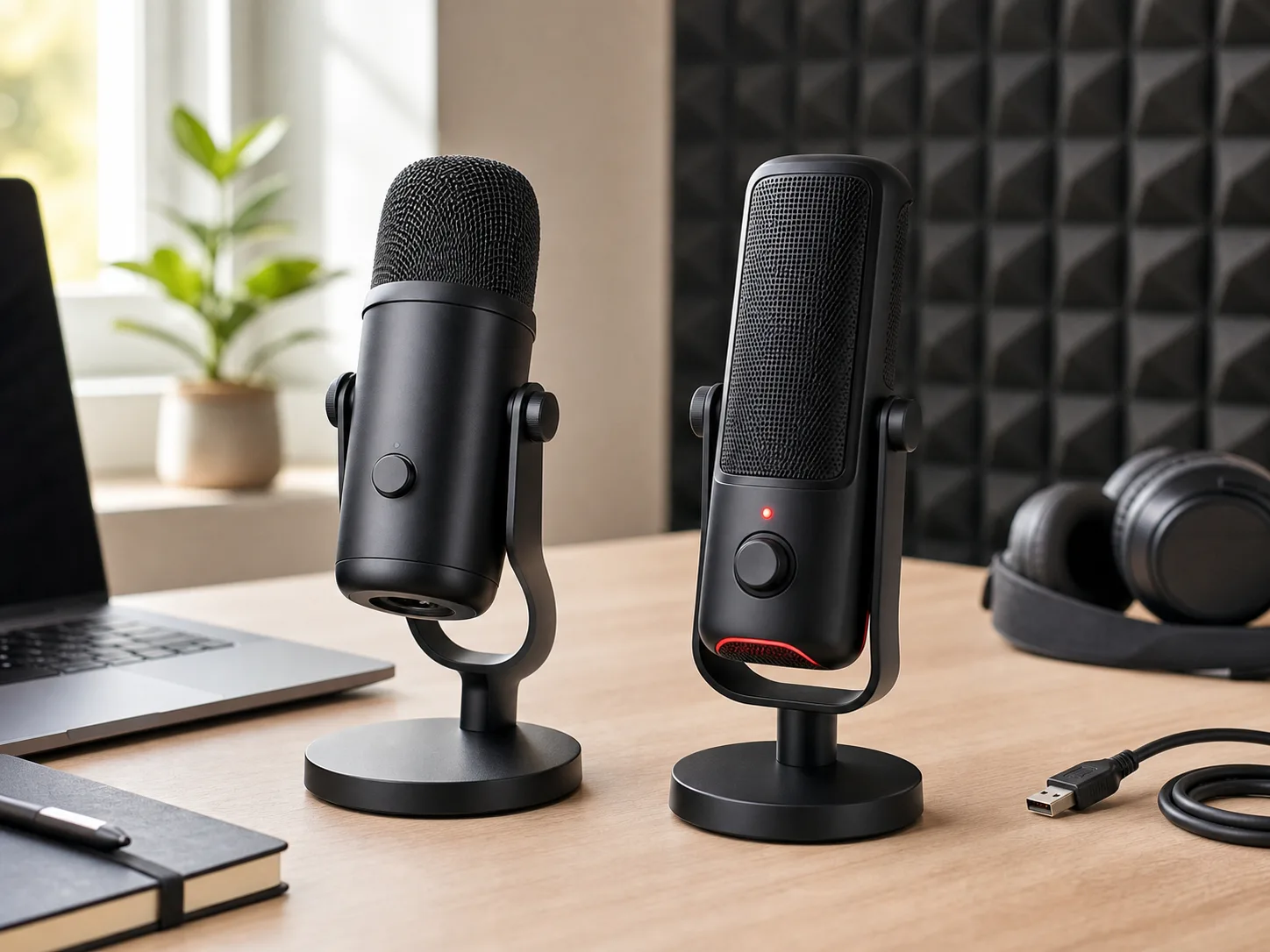
Two unbranded desktop USB microphones on a bright creator desk with headphones, a laptop, a notebook, USB cable, and acoustic panels for the Logitech Yeti vs HyperX QuadCast comparison
Last checked
Winner HyperX QuadCast
Software pick Logitech Yeti
Verdict

Which one should most people buy?

Choose HyperX QuadCast if you want a streamer-ready USB mic with more physical setup help on day one. Choose Logitech Yeti if you want the classic Yeti shape, Logitech G HUB support, Blue VO!CE filters, and more detailed published microphone and headphone-amplifier specs.

Buy QuadCast unless Blue VO!CE or the Yeti control layout matters more.

The QuadCast wins for the typical creator desk because its most useful streaming pieces are physical and obvious: the LED tells you whether the mic is live, the top tap control mutes quickly, the shock mount and internal pop filter reduce setup extras, and the included adapter helps it move to a boom arm.

Yeti is still the stronger pick if you like Logitech's software route. Logitech lists Blue VO!CE filters and effects, four polar patterns, studio controls for headphone volume, pattern selection, instant mute, and gain, plug-and-play USB setup, 16-bit/48 kHz audio, and a three-capsule condenser array.

At a glance

The key specs.

Software-control alternative

Logitech Yeti

A classic multi-pattern USB condenser microphone for creators who want Logitech G HUB, Blue VO!CE filters, a three-capsule design, and front-panel controls for gain, mute, patterns, and headphone volume.

Mic type
USB condenser with three 14 mm capsules
Pickup patterns
Cardioid, bidirectional, omnidirectional, and stereo
Digital audio
16-bit, 48 kHz listed by Logitech
Frequency response
20 Hz to 20 kHz
Max SPL
120 dB
Size and weight
4.72 x 4.92 x 11.61 in extended in stand; 1.94 lb microphone plus 1.1 lb stand
Best for
Creators who want Blue VO!CE, G HUB controls, four patterns, and a familiar desktop USB mic workflow.
Best for most streamer desks

HyperX QuadCast

A USB condenser microphone built around streamer desk ergonomics: visible live/mute status, tap mute, shock mount, internal pop filter, headphone jack, bottom gain dial, and four pickup patterns.

Mic type
USB condenser gaming microphone
Pickup patterns
Stereo, omnidirectional, cardioid, and bidirectional
Connection
USB Mini-B listed by HyperX
Frequency response
20 Hz to 20 kHz
Hardware extras
Anti-vibration shock mount, tap-to-mute sensor, LED indicator, internal pop filter, headphone jack, gain dial, and mount adapter
Weight
0.55 lb microphone weight listed by HyperX
Best for
Streamers and callers who want mute visibility, desk shock isolation, and fewer add-on pieces before going live.
Buyer guide

Choose by desk workflow.

Both microphones are multi-pattern USB condensers for streaming, podcasting, gaming chat, voiceover, calls, and content creation. The right choice depends on whether you want QuadCast's hardware-first streaming setup or Yeti's Logitech software and studio-control workflow.

Logitech Yeti

Buy this if / skip this if

Buy this if
  • You want Logitech G HUB and Blue VO!CE filters/effects as part of your recording or streaming workflow.
  • You want a detailed published spec set, including 16-bit/48 kHz audio, max SPL, headphone-amplifier specs, capsule details, and exact stand dimensions.
  • You like direct controls for headphone volume, pattern selection, instant mute, and microphone gain on the mic itself.
Skip this if
  • You want a built-in external-style shock mount and visible red live/mute status without adding accessories.
  • You prefer the top tap-to-mute control and built-in pop-filter setup of the QuadCast.
  • You do not want another Logitech software dependency just to use the mic's full feature set.
HyperX QuadCast

Buy this if / skip this if

Buy this if
  • You stream, game, or join calls and want the LED to show at a glance whether the mic is active.
  • You want anti-vibration shock mounting, an internal pop filter, mount adapter, gain dial, and headphone monitoring in one box.
  • You expect to use the mic on camera, where the live status, red lighting, and compact stand setup are part of the desk experience.
Skip this if
  • You specifically want Logitech G HUB and Blue VO!CE voice filters/effects.
  • You want Logitech's more detailed published specs for audio conversion, max SPL, headphone output, and physical dimensions.
  • You prefer a more understated desktop microphone without the QuadCast's gaming-style red visual signal.
Four patterns do not mean four daily uses

Cardioid is the usual solo voice pattern. Stereo, bidirectional, and omnidirectional are useful for music, interviews, or room capture, but they can also pick up more keyboard, fan, and room noise.

Mute feedback matters live

QuadCast's LED status is more obvious during streams and calls. Yeti has instant mute too, but the HyperX live/mute behavior is easier to read at a glance on a busy desk.

Software changes the value

Yeti's strongest extras rely on Logitech G HUB and Blue VO!CE. QuadCast is more about physical desk hardware, so its value is clearer even before you install software.

Before you buy

Check these USB mic fit points first.

  • Plan mic placement before choosing by sound specs. Condenser USB mics can pick up keyboard noise, room echo, fans, and desk bumps if they sit too far from your mouth.
  • Decide whether your setup needs four pickup patterns. If you only record solo voice, cardioid quality and desk noise control matter more than extra patterns.
  • Confirm the connector and cable path. Yeti uses USB with Logitech's included cable, while this QuadCast model lists USB Mini-B rather than newer USB-C.
  • Budget for the missing desk pieces: boom arm, headphones, pop filter, shock isolation, or a quieter keyboard may matter more than stepping up to a different microphone.
Side by side

Compare the trade-offs.

The table focuses on official specs and setup differences that affect daily use: pickup patterns, controls, mute feedback, shock/pop handling, connection type, desk fit, and who each mic serves best.

Logitech Yeti vs HyperX QuadCast official spec comparison.
Metric Logitech Yeti HyperX QuadCast
Best fit Creators who want Blue VO!CE, Logitech G HUB, detailed studio controls, and a classic Yeti desktop microphone. WinnerStreamers and callers who want shock isolation, tap mute, live/mute LED status, internal pop filtering, gain control, and mount flexibility out of the box.
Microphone type USB condenser with three 14 mm condenser capsules USB condenser gaming microphone
Pickup patterns Cardioid, bidirectional, omnidirectional, and stereo Stereo, omnidirectional, cardioid, and bidirectional
Connection USB for Windows and Mac; Logitech lists USB 1.1/2.0/3.0 system requirements USB Mini-B listed by HyperX
Frequency spec 20 Hz to 20 kHz microphone frequency response 20 Hz to 20 kHz frequency response
Audio conversion 16-bit, 48 kHz listed by Logitech HyperX page lists microphone features and frequency response; no matching sample-rate row was used here.
Controls Headphone volume, pattern selection, instant mute, and microphone gain controls listed by Logitech Tap-to-mute sensor with LED indicator and bottom gain control listed by HyperX
Shock and pop handling Internal shockmount listed by Logitech WinnerAnti-vibration shock mount, internal pop filter, and mount adapter listed by HyperX
Monitoring Headphone output and headphone amplifier specs listed by Logitech Built-in headphone jack for mic input monitoring listed by HyperX
Physical setup Extended in stand: 4.72 x 4.92 x 11.61 in; 1.94 lb mic plus 1.1 lb stand 0.55 lb microphone weight listed by HyperX, with desktop stand and mount adapter included
Main drawback Best extras rely on Logitech software, and it does not include the same visible streamer mute-status hardware as QuadCast. USB Mini-B is older, and its official page exposes fewer detailed audio-conversion specs than Logitech's Yeti page.
Buyer fit summary Yeti is the better Logitech software and control-surface pick. QuadCast is the easier streamer-ready desk pick.
How we compared

The criteria behind the pick.

We compared official product pages, manufacturer-published spec data, and product-specific Amazon listings. We weighted practical creator-desk details: pickup patterns, mute workflow, monitoring, shock and pop handling, software dependency, cable/connector fit, stand or arm flexibility, and whether the microphone solves common setup problems before extra accessories are added.

Specs checked

Pickup patterns, frequency response, controls, headphone monitoring, software features, included hardware, connection type, physical dimensions or weight, and platform fit were checked against official manufacturer pages.

Fit checked

The recommendation favors the microphone that reduces the most common USB-mic friction for streamers and callers: quick muting, visible status, desk bump control, plosive handling, monitoring, and easy mounting.

Data omitted

Prices, ratings, review counts, coupons, and availability were intentionally left out because they change often and were not needed for this official-spec decision.

Source trail

What the recommendation is based on.

FAQ

Questions before checkout.

Which USB microphone is better for most streamers?

HyperX QuadCast is the better default for most streamer desks because it includes an anti-vibration shock mount, tap-to-mute sensor with LED status, internal pop filter, headphone jack, gain dial, mount adapter, and four pickup patterns. Those features reduce the number of extra setup pieces you need before going live.

Why choose Logitech Yeti instead?

Choose Logitech Yeti if you want Blue VO!CE through Logitech G HUB, studio controls on the microphone, a three-capsule condenser design, detailed published specs, and the familiar Yeti desktop shape for podcasting, streaming, voiceover, or calls.

Do both microphones have four pickup patterns?

Yes. Logitech lists cardioid, bidirectional, omnidirectional, and stereo for Yeti. HyperX lists stereo, omnidirectional, cardioid, and bidirectional for QuadCast. Most solo voice setups should still start with cardioid.

Which one is better for a boom arm?

QuadCast includes a mount adapter and an anti-vibration shock mount, which makes the boom-arm path cleaner. Yeti can also move off its desktop stand, but check your arm, adapter, cable routing, and desk clearance before buying either microphone.

Did this comparison use prices or customer ratings?

No. Prices, coupons, ratings, review counts, and availability were left out because they can change quickly and were not needed for this official-spec buying decision.

HyperX QuadCast Streamer-ready desk pick.
Amazon