Head-to-head craft cutter comparison

Cricut Maker 4 vs Explore 5

Explore 5 is the better default for most home crafters making vinyl decals, stickers, cards, and iron-on projects. Maker 4 is the better long-term pick if you already know you want fabric, leather, balsa wood, engraving, debossing, or other specialty-tool projects.

As an Amazon Associate, Worth Adding earns from qualifying purchases. We may earn a commission if you buy through our links.

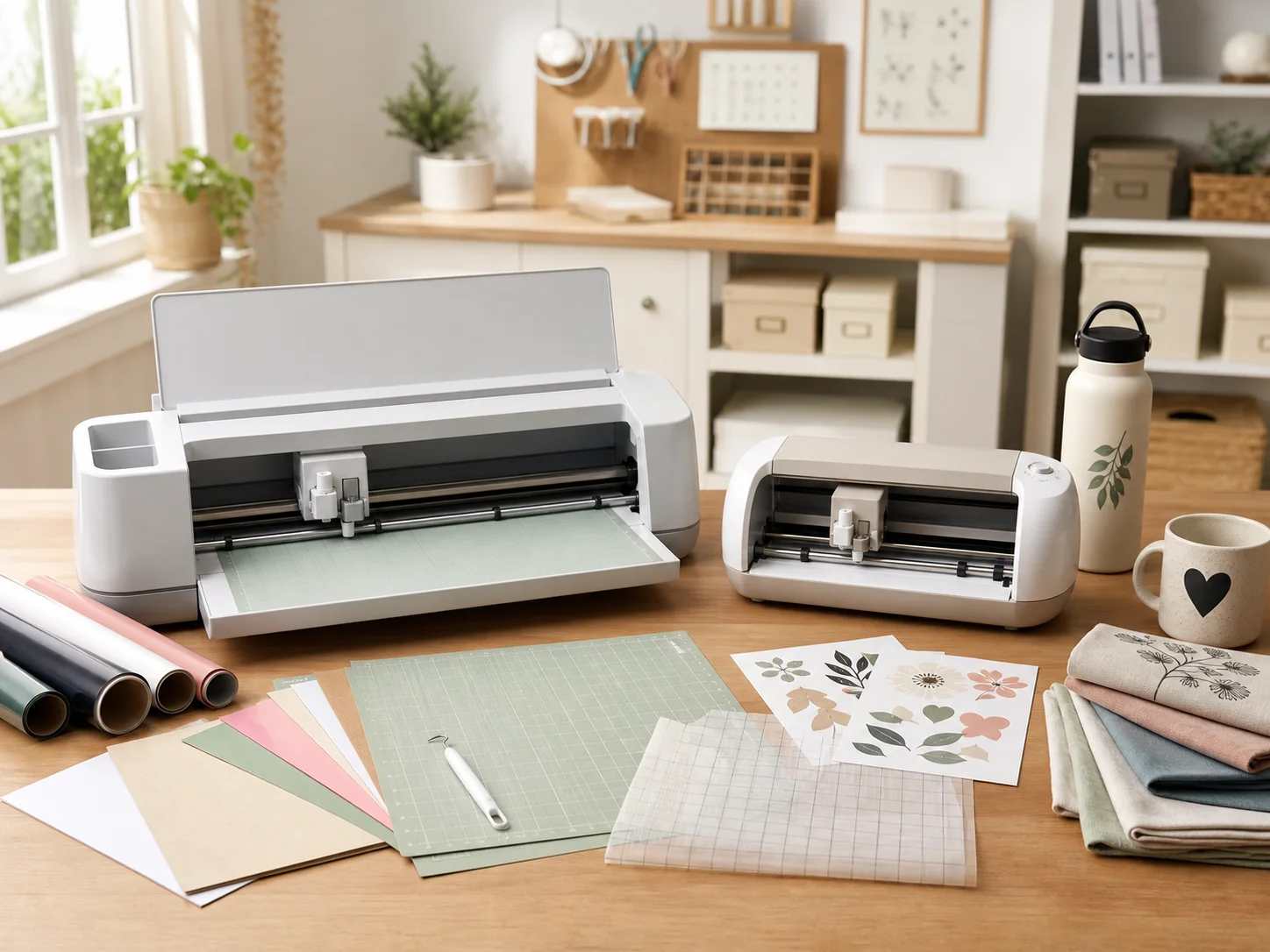
Two desktop craft cutting machines on a bright craft table with vinyl sheets, cardstock, sticker paper, transfer tape, cutting mats, fabric swatches, and finished decals for the Cricut Maker 4 vs Explore 5 comparison
Last checked
Winner Cricut Explore 5
Advanced pick Cricut Maker 4
Verdict

Which one should most people buy?

These machines overlap for everyday Cricut projects, but they are not built for the same ceiling. Explore 5 fits most sticker, vinyl, card, and shirt workflows. Maker 4 is for shoppers who need the larger Maker tool and material path.

Explore 5 is the smarter default unless you need Maker materials.

Cricut positions Explore 5 around the projects most new owners actually make: vinyl decals, full-color stickers, T-shirts, cards, and similar everyday crafts. That makes it the cleaner first-machine choice when your shortlist is about starting strong without buying into tools you may not use.

Maker 4 is still the better machine if the point of upgrading is project range. Cricut says Maker 4 works with 300+ materials and is compatible with 13 tools, including advanced paths for wood, leather, engraving, embossing, and more. If those are your projects, skip the compromise and buy Maker 4.

At a glance

The Key Specs

Advanced-material pick

Cricut Maker 4

Maker 4 is Cricut's higher-ceiling smart cutting machine. Cricut lists support for 300+ materials, including Smart Materials, vinyl, iron-on, cardstock, balsa wood, fabric, and leather, plus compatibility with 13 tools to cut, write, engrave, emboss, and more.

Material range
300+ materials
Tool path
Compatible with 13 Cricut tools
Project ceiling
Vinyl, iron-on, cardstock, wood, fabric, leather, engraving, embossing, and more
Software
Cricut Design Space app for desktop and mobile
Best for most crafters

Cricut Explore 5

Explore 5 is Cricut's everyday smart cutting machine for popular projects. Cricut highlights vinyl decals, full-color stickers, personalized T-shirts, cards, and more, while positioning Maker 4 as the step-up for engraving metal, cutting wood, and other specialty work.

Project range
Popular Cricut projects such as decals, stickers, shirts, cards, and paper crafts
Positioning
Everyday Explore-class cutter below the Maker material ceiling
Software
Cricut Design Space app for desktop and mobile
Best fit
New owners and home crafters who do not need Maker-only materials
Buyer guide

Choose by project ceiling first.

Do not start with the bundle contents. Start with the materials and tools you expect to use after the first week.

Cricut Maker 4

Buy this if / skip this if

Buy this if
  • You want to cut beyond common vinyl, iron-on, cardstock, and sticker projects.
  • You expect to use advanced Cricut tools for engraving, embossing, scoring, fabric, leather, or wood.
  • You would rather buy the higher-ceiling machine once than outgrow an Explore-class cutter.
Skip this if
  • Your first year is mostly decals, shirts, labels, cards, stickers, and paper crafts.
  • You do not want to budget for extra tools, blades, housings, mats, and specialty materials.
  • Your workspace is shared and you need a simpler, everyday cutter to store and learn.
Cricut Explore 5

Buy this if / skip this if

Buy this if
  • You want a first Cricut for vinyl decals, stickers, T-shirts, cards, and paper projects.
  • You prefer a focused everyday machine instead of paying for Maker-specific capability.
  • You are more likely to use bundled starter supplies than specialty tools right away.
Skip this if
  • You already know you want to cut wood, leather, fabric, or other Maker-positioned materials.
  • You want the broadest Cricut tool compatibility for future project experiments.
  • You plan to sell varied craft products and expect your material list to expand quickly.
300+ materials is about headroom

Maker 4's material range matters when you move into fabric, leather, balsa wood, and specialty finishes. If your projects stop at everyday decals and cards, that headroom may sit unused.

Tool compatibility drives cost

Maker 4's broader tool path is valuable only if you buy and use those tools. Explore 5 keeps the decision focused on common projects and starter workflows.

The app is part of ownership

Both choices revolve around Cricut Design Space. Plan for setup, account access, connected-device use, and learning the material settings before judging the hardware alone.

Before you buy

Budget for the craft system, not only the cutter.

  • Check which mats, blades, housings, pens, and materials are actually in the exact Amazon listing you choose.
  • Measure table space for the machine and room behind it for material feed-through during longer cuts.
  • Confirm your computer, tablet, or phone setup is comfortable for Cricut Design Space before gifting the machine.
  • Do not buy Maker 4 for "someday" projects unless you are ready to buy the specialty tools and materials too.
Side by side

Compare the trade-offs.

Maker 4 has the broader material and tool ceiling. Explore 5 is the simpler default for common Cricut projects.

Key buying trade-offs for Cricut Maker 4 and Cricut Explore 5, based on Cricut product pages and product-specific Amazon pages checked June 12, 2026.
Metric Cricut Maker 4 Cricut Explore 5
Best fit Advantage Advanced materials, specialty tools, and crafters who expect to expand. Winner Most first-time and everyday Cricut buyers.
Material ceiling Advantage Cricut lists 300+ materials, including wood, fabric, and leather examples. Focused on popular Explore projects like decals, stickers, shirts, cards, and paper crafts.
Tool path Advantage Cricut lists compatibility with 13 tools to cut, write, engrave, emboss, and more. Better if you do not expect to buy Maker-only specialty tools.
Learning curve More capability means more materials, blades, and settings to understand. Advantage Cleaner starting point for the common project list.
Software workflow Cricut Design Space app for desktop and mobile. Cricut Design Space app for desktop and mobile.
Main drawback Overkill if you only need everyday vinyl, sticker, card, and shirt projects. Wrong fit if wood, leather, fabric, engraving, embossing, or broader tools are the reason you are buying.
How we compared

The criteria behind the pick.

We focused on which machine prevents the most wrong purchases: buying too much machine for simple projects, or buying too little machine for specialty materials.

Material range

We weighted the difference between common Explore projects and Maker 4's published 300+ material path because that is the clearest reason to step up.

Tool expansion

We treated specialty tools as a system cost. Maker 4 is more compelling when you will actually buy engraving, embossing, scoring, fabric, or other advanced accessories.

Ownership friction

We considered setup, app dependency, feed-through space, starter bundles, and replacement materials because the cutter is only one part of a Cricut workstation.

Source trail

What the recommendation is based on.

Specs and positioning were checked against Cricut product pages and product-specific Amazon pages. Prices, ratings, review counts, coupons, and live availability were intentionally left out.

Cricut Maker 4

Cricut's Maker 4 page was used for the 300+ material claim, compatible 13-tool path, Design Space note, and advanced-material examples such as balsa wood, fabric, and leather.

Sources: Cricut Maker 4 product page and Amazon product page.

Cricut Explore 5

Cricut's Explore 5 page was used for the everyday-project positioning, Design Space and setup notes, and the distinction between Explore projects and Maker 4 specialty-material work.

Sources: Cricut Explore 5 product page and Amazon product page.

FAQ

Questions before checkout.

The right Cricut is mostly about the materials and tools you will actually use, not the longest feature list.

Which Cricut cutter is better for most beginners?

Cricut Explore 5 is the better default for most beginners who want vinyl decals, full-color stickers, T-shirts, cards, and other common craft projects without paying for Maker-only specialty material support.

Who should buy Cricut Maker 4 instead?

Buy Maker 4 if you expect to work with advanced materials such as balsa wood, fabric, leather, or projects that use Maker-compatible tools for engraving, debossing, scoring, or other specialty finishes.

Do both machines use Cricut Design Space?

Yes. Cricut says its cutting machines work with the Design Space app, and shoppers should plan for app setup, account sign-in, internet access during setup, and the cost of any optional tools or materials.

Can Cricut Explore 5 cut wood or leather?

Explore 5 is aimed at popular projects like vinyl, full-color stickers, T-shirts, and cards. Cricut positions Maker 4 as the machine for leveling up into wood, leather, engraving, and broader specialty-material projects.

Should I choose based on bundled accessories?

Use bundles as a checkout detail, not the main decision. First decide whether your projects need Explore-class everyday cutting or Maker-class advanced materials, then compare the exact included mats, tools, and materials on the listing.

Best for most crafters

Cricut Explore 5

It is the better default if your real project list is decals, stickers, T-shirts, cards, and paper crafts. Pay for Maker 4 when advanced materials and specialty tools are part of the plan from the start.

Last checked: . Retailer availability, coupons, delivery estimates, and other listing details can change without notice.

Decision notes
Best default pickCricut Explore 5
Best advanced pickCricut Maker 4
Data sourceCricut product pages and product-specific Amazon pages
Last checked
Explore 5 Best for most crafters
Amazon